Linux · x64
1.0.0-beta.9.13
AppImage · 143.5 MiB · 2026-11-12
View version and download →
CUVEX · Software for your self-custody
Choose your platform. Find its version, release notes, requirements and integrity checks on a dedicated page.
WINDOWS · MACOS · LINUX
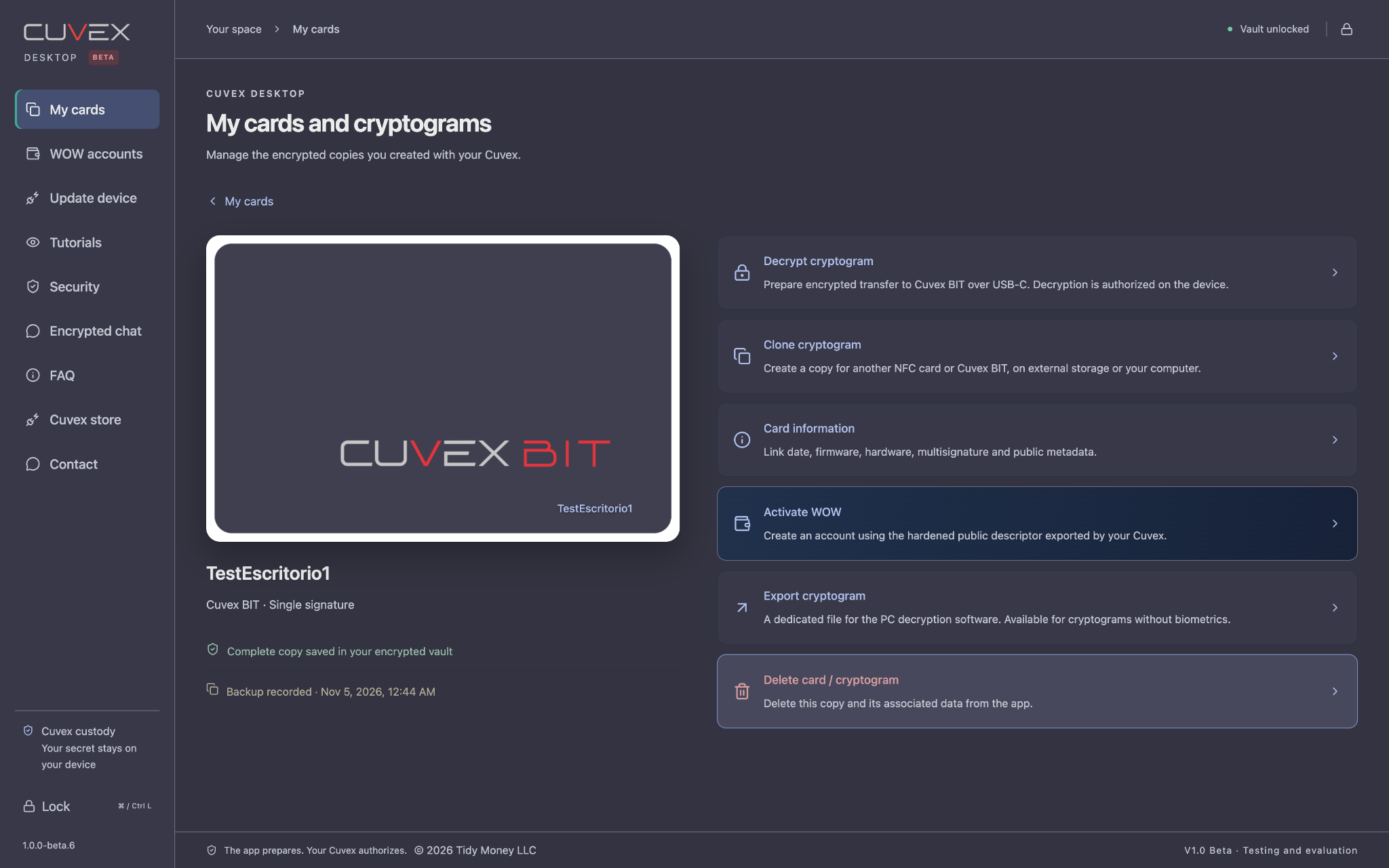
Self-custody on your computer, too. Organize cryptograms, prepare Bitcoin transactions and connect your NFC cards with Cuvex Mirror.
Linux · x64
AppImage · 143.5 MiB · 2026-11-12
View version and download →Linux · ARM64
AppImage · 144.2 MiB · 2026-11-12
View version and download →macOS · Intel
ZIP · 146.0 MiB · 2026-11-12
View version and download →macOS · Apple Silicon
ZIP · 138.0 MiB · 2026-11-12
View version and download →Windows · x64
ZIP · 187.5 MiB · 2026-11-13
View version and download →Windows · ARM64
ZIP · 184.9 MiB · 2026-11-12
View version and download →NFC · BLUETOOTH
Cuvex Mirror uses your compatible smartphone’s NFC to read and write cards for Cuvex Desktop through an encrypted Bluetooth connection. It is required to fully operate Cuvex Original with Desktop. Mirror does not decrypt your secrets or replace authorization on the hardware.
ANDROID
APK · 0.3 MiB
View version and download →ORIGINAL · BIT
Download only the file for your model. Check its integrity and follow the official app’s update procedure. Original updates over Bluetooth; BIT over USB-C.
Cuvex Original
BIN · 2.0 MiB · 2026-11-12
View version and download →Cuvex BIT
BIN · 3.1 MiB · 2026-11-12
View version and download →