Your password.
Your access.
Protect the cryptogram with credentials you control. Keep backups and test decryption.

TECHNOLOGY YOU CAN UNDERSTAND
Separating the phone from signing.
The secret from its backup.
Preparation from your authorisation.
SIGNING MEANS DECIDING
A Bitcoin transaction has three distinct stages. Signing takes place on the device, after you review what you are about to send.
Explanatory diagram · Not a real transaction
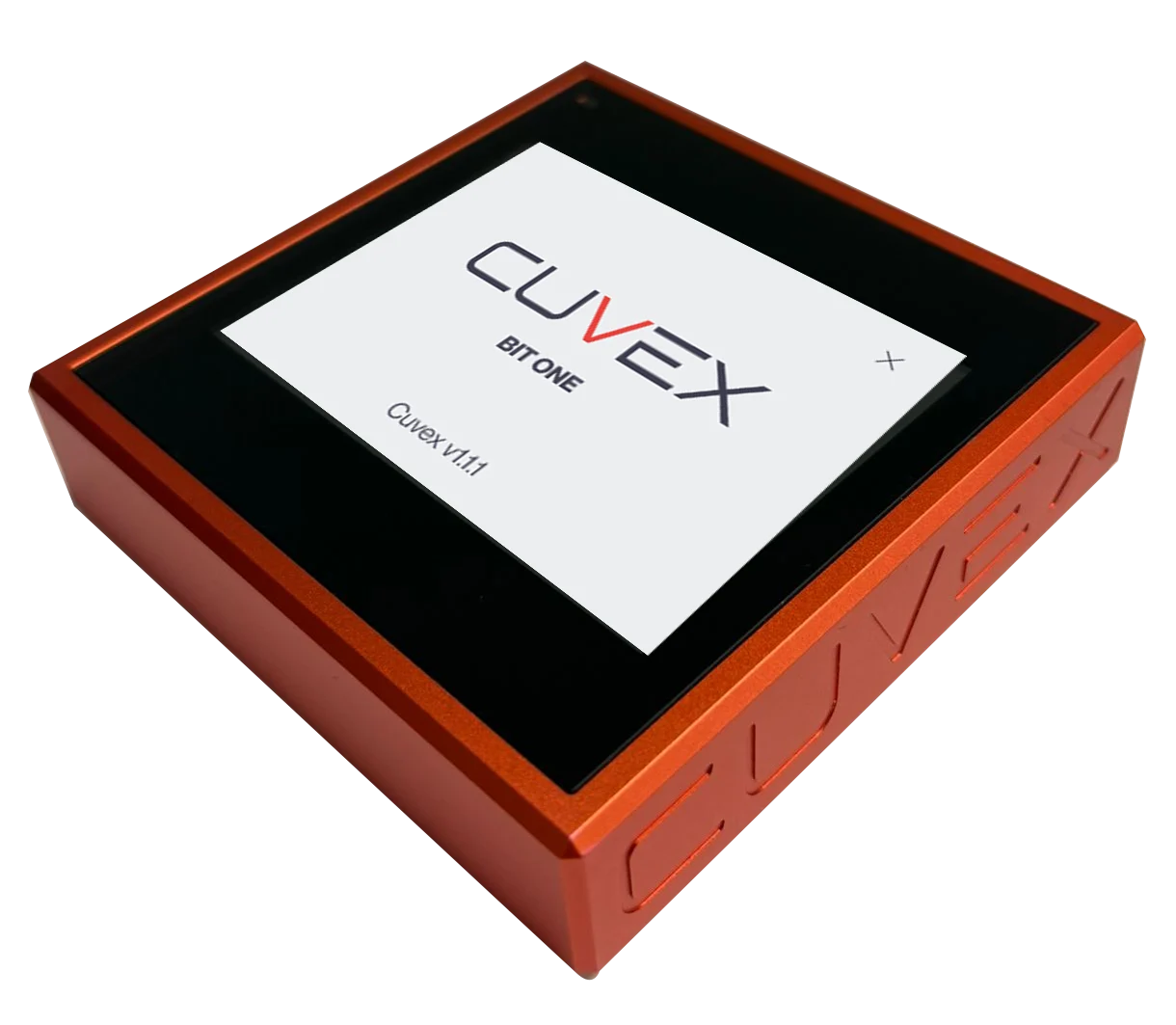
BIT: files via USB-C · Original: NFC cards
The app broadcasts the transaction. The network confirms it.
AES-256-GCM
A readable seed phrase gives access to whoever finds it. Cuvex turns it into a cryptogram, protected by the conditions you configure.
Encrypt on the device, keep the backup on compatible media and check that you can recover it. You can apply the same principle to other digital secrets.
7c e2 9a 4f
b8 01 d3 6e
94 c7 a5 2b
Illustrative representationCHOOSE HOW TO RECOVER
Define the participants and media before encrypting. Recovery is part of security.
Protect the cryptogram with credentials you control. Keep backups and test decryption.
Set participation conditions to decrypt the secret. Non-biometric X-of-6 thresholds require media with compatible capacity, such as 8K cards.
On BIT, you can add fingerprints to passwords. Biometric cryptograms require BIT and backups on external USB drives.
Multiple signatures on a cryptogram determine how a secret is decrypted. This differs from a Bitcoin multisig transaction.
DICE & COIN
Create a seed by following the dice-and-coin procedure, guided by the device.
The result depends on following the procedure correctly and on the physical items used. You can also encrypt the phrase of a wallet you already have.
See how a wallet is createdTHE CUVEX ECOSYSTEM
The app works alongside your device: organising, preparing and communicating. Sensitive operations have their own place.
Watch-Only and Coin ControlCheck balances, label and freeze UTXOs, and choose which coins to use.
End-to-end encrypted chatChat, share cryptograms and coordinate payment requests. Accepting a request does not sign a transaction.
Backups and recoveryManage encrypted media according to your model and cryptogram type.
KNOWLEDGE IS CONTROL
A good decision starts with understanding the limits too.
Encrypting another wallet's seed does not automatically add native signing for its network.
The recovery plan must cover the credentials, media and hardware needed.
Watch-Only and Coin Control separate functions and help manage privacy; they do not make Bitcoin anonymous.
No design replaces a recovery test and careful use of the device.
Start with the device that suits you.
CUVEX DESKTOP + MIRROR
Cuvex Desk brings your tools together on Windows, macOS and Linux. In normal use, you review and authorize sensitive operations on your Cuvex. Mirror supplies your phone’s NFC; local decryption is reserved for emergencies.
Windows · macOS · Linux
Explore the apps →Cuvex Mirror uses your compatible smartphone’s NFC to read and write cards for Cuvex Desktop through an encrypted Bluetooth connection. It is required to fully operate Cuvex Original with Desktop. Mirror does not decrypt your secrets or replace authorization on the hardware.
You need Android 8 or later with NFC, a camera and Bluetooth peripheral mode, plus a computer with compatible Bluetooth and Cuvex Desk. A temporary PIN and QR bind the session. Mirror needs no account or Internet permission and does not decrypt your secrets.
ORIGINAL 1.2.1 · BIT 1.2.2
New cryptograms use AES-256-GCM authenticated encryption, checking the protected content and authentication tag. This does not mean that all metadata or every older copy has this protection.
No. Protect decryption with up to six participants, requiring everyone or a threshold such as 2 of 3. This policy controls access to the secret; it does not turn a wallet into a Bitcoin multisig wallet.
Both devices process BIP174 v0 PSBTs with P2WPKH inputs and SIGHASH_ALL. They review recipients, amounts, change and fees; approval is bound to that transaction and the signature is verified. Displaying Taproot Bech32m recipients does not mean signing Taproot inputs. Private keys are not exported for signing.
Three attempts trigger a five-minute pause that persists after power loss. This limits attempts on the device, not offline attacks on an exported copy. Use strong credentials and protect your backups.
After decrypting a compatible older unauthenticated copy, create a reinforced version while retaining the secret, credentials and participant policy. Original saves it to NFC; BIT returns it over USB-C and retains biometric templates where applicable. Verify the new copy before retiring the old one.
The guided flow produces a 24-word BIP39 seed using the 2048-word dictionary. Follow the device’s rolls and checks. The menu language does not determine the seed dictionary language.
No Cuvex cryptogram is tied to a particular device. You can decrypt it on any compatible Cuvex device, provided you retain the cryptogram and its required credentials. Cryptograms protected with biometrics can only be decrypted on Cuvex BIT.
Cuvex BIT connects directly to Cuvex Desktop over USB-C. To fully operate Cuvex Original with Desktop, you need Cuvex Mirror on a compatible NFC smartphone, linked to your computer over Bluetooth. Mirror reads and writes NFC cards; sensitive operations are reviewed and authorized on your Cuvex device.
Reference price in USD.
Indicative estimate. The final amount and its validity period are shown on the payment screen.
Terms of saleFuente de la cotización: kraken · Cotización actualizada: 2026-11-13T01:53:00.028989+00:00