
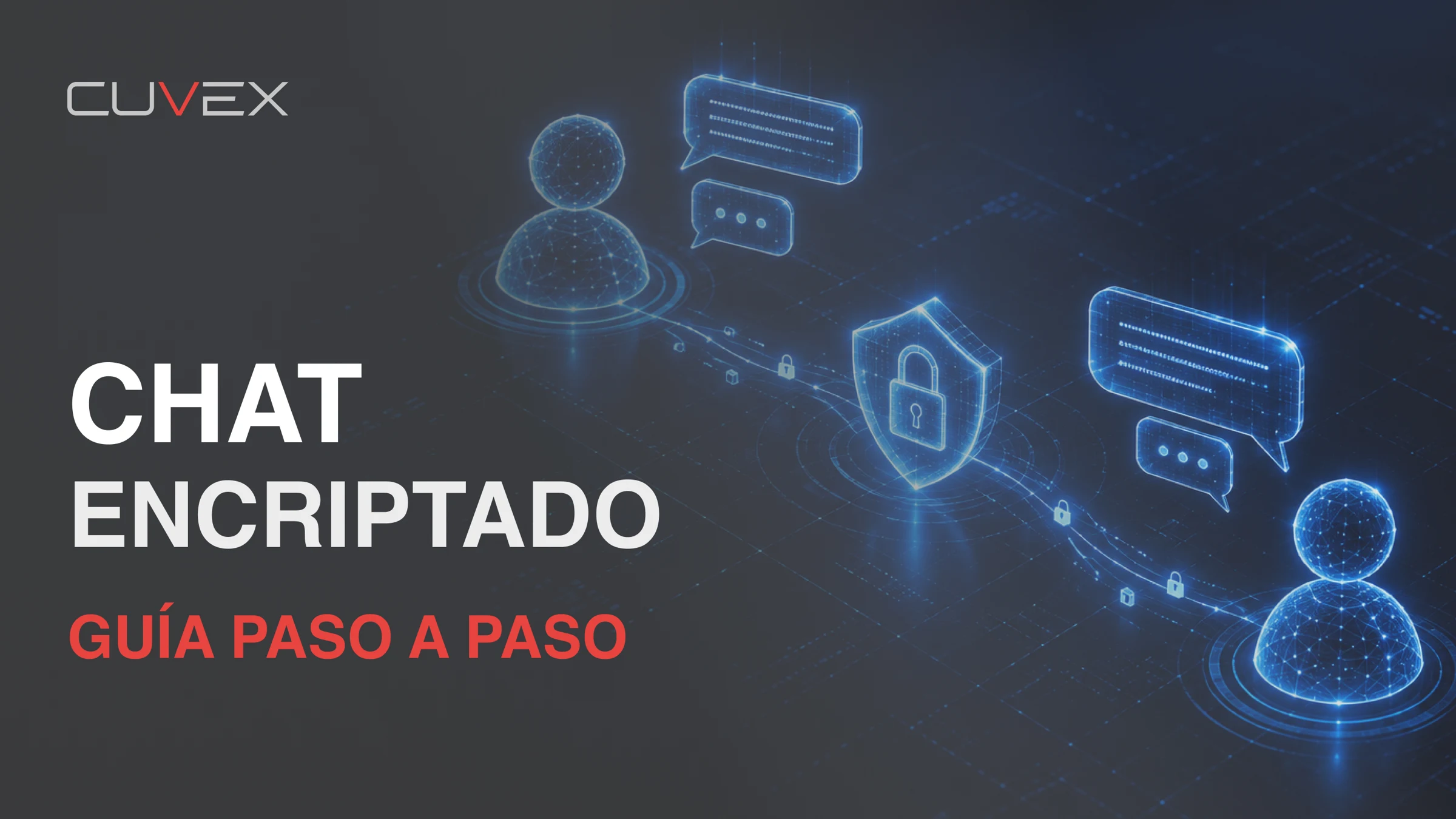
 ▶13:47How to use encrypted chat: contacts, Bitcoin and cryptograms ↗
CUVEX / VIDEO TUTORIALS
Understand it.
Make it yours.
Your device, explained step by step.
Choose your Cuvex and start with what you need.
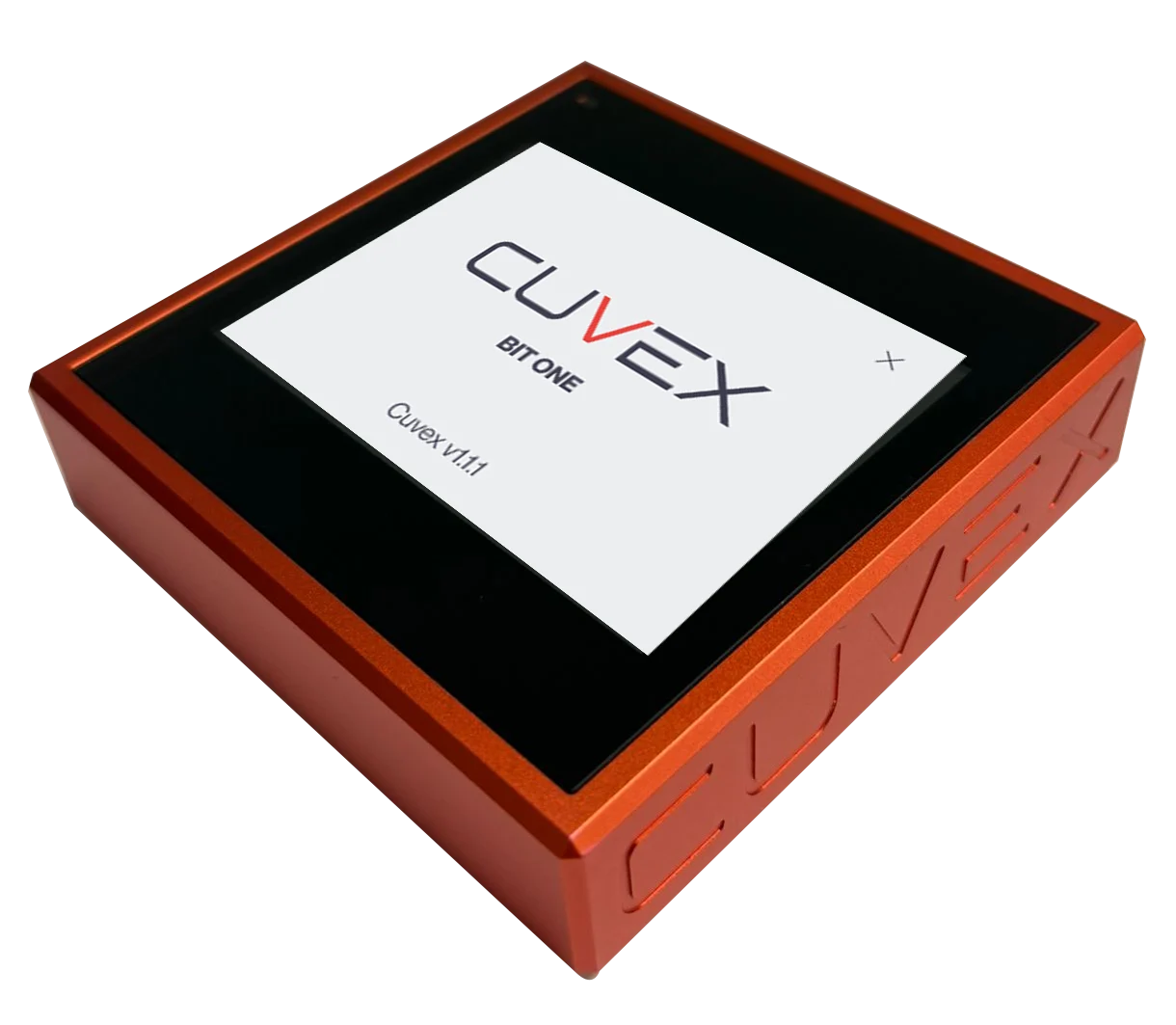
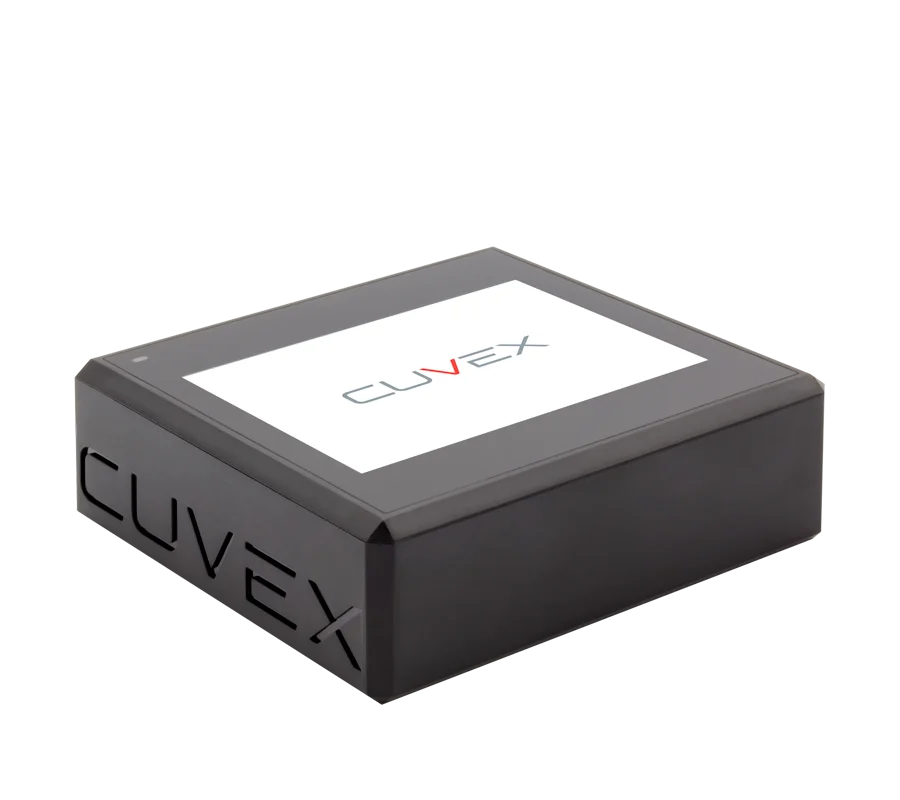
27 video tutorials
YouTube loads only when you play a video.▶13:47How to use encrypted chat: contacts, Bitcoin and cryptograms ↗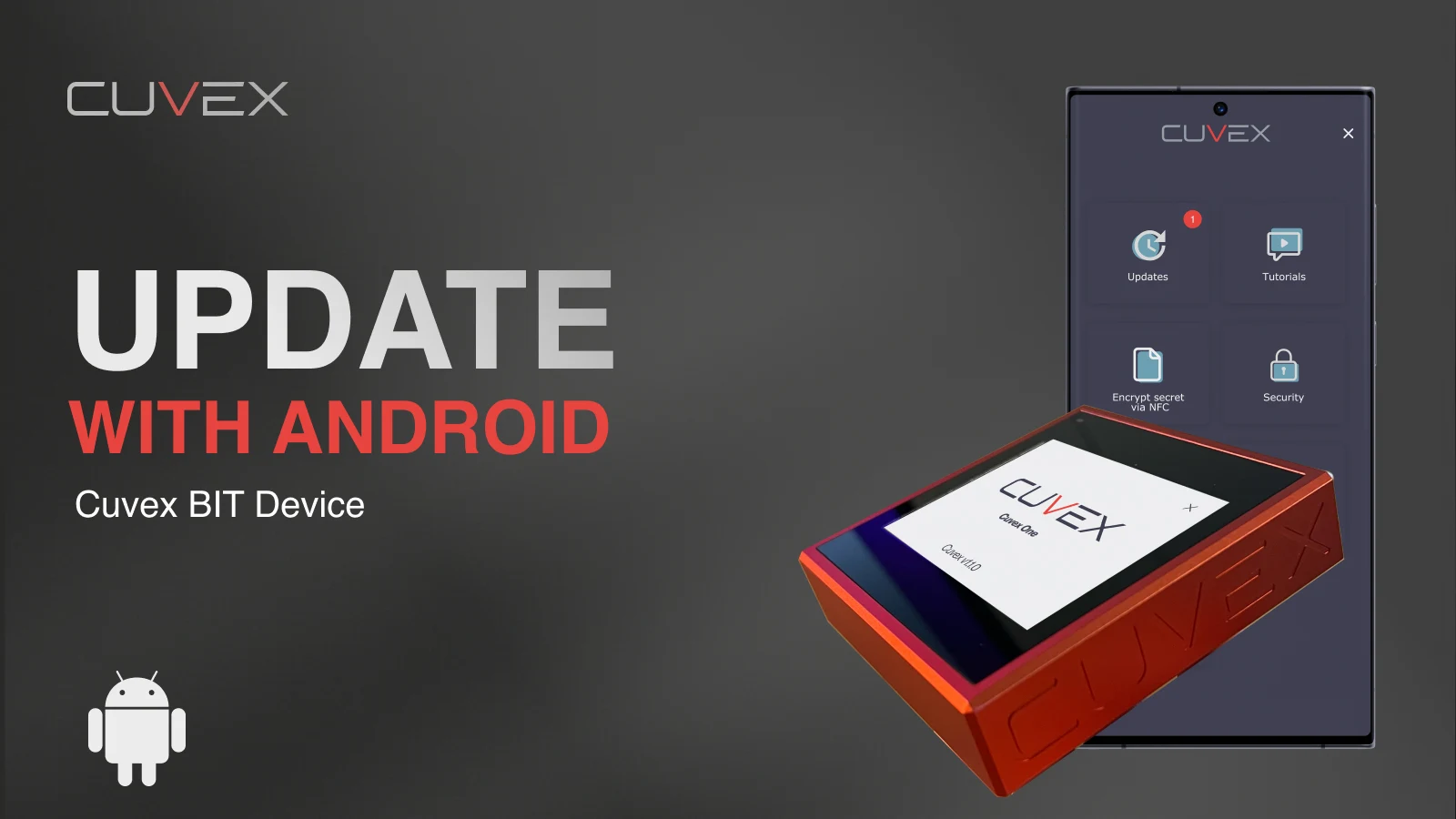 ▶4:04Activate and update Cuvex BIT from Android ↗
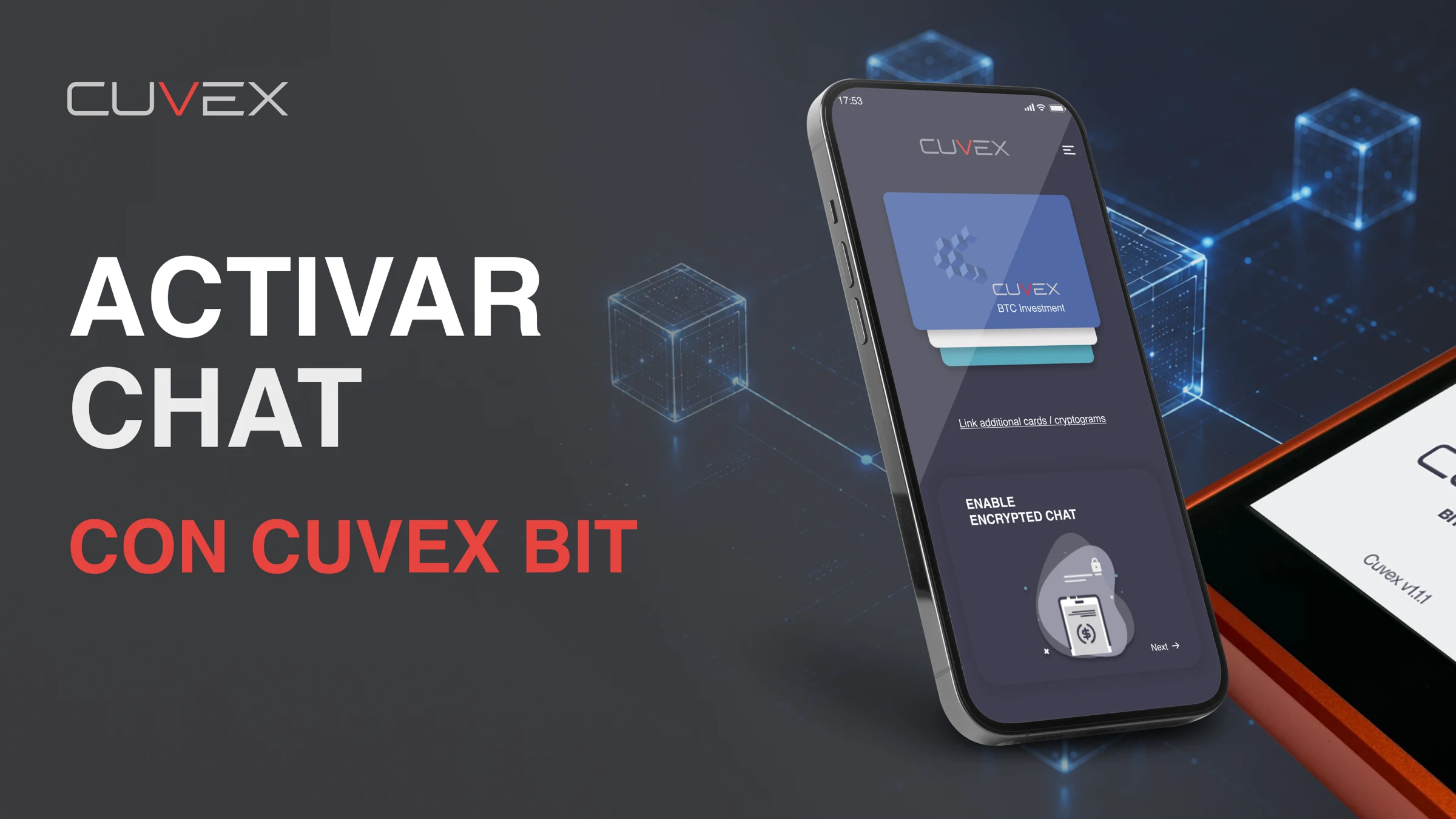 ▶14:13Activate encrypted chat with Cuvex BIT via USB-C ↗
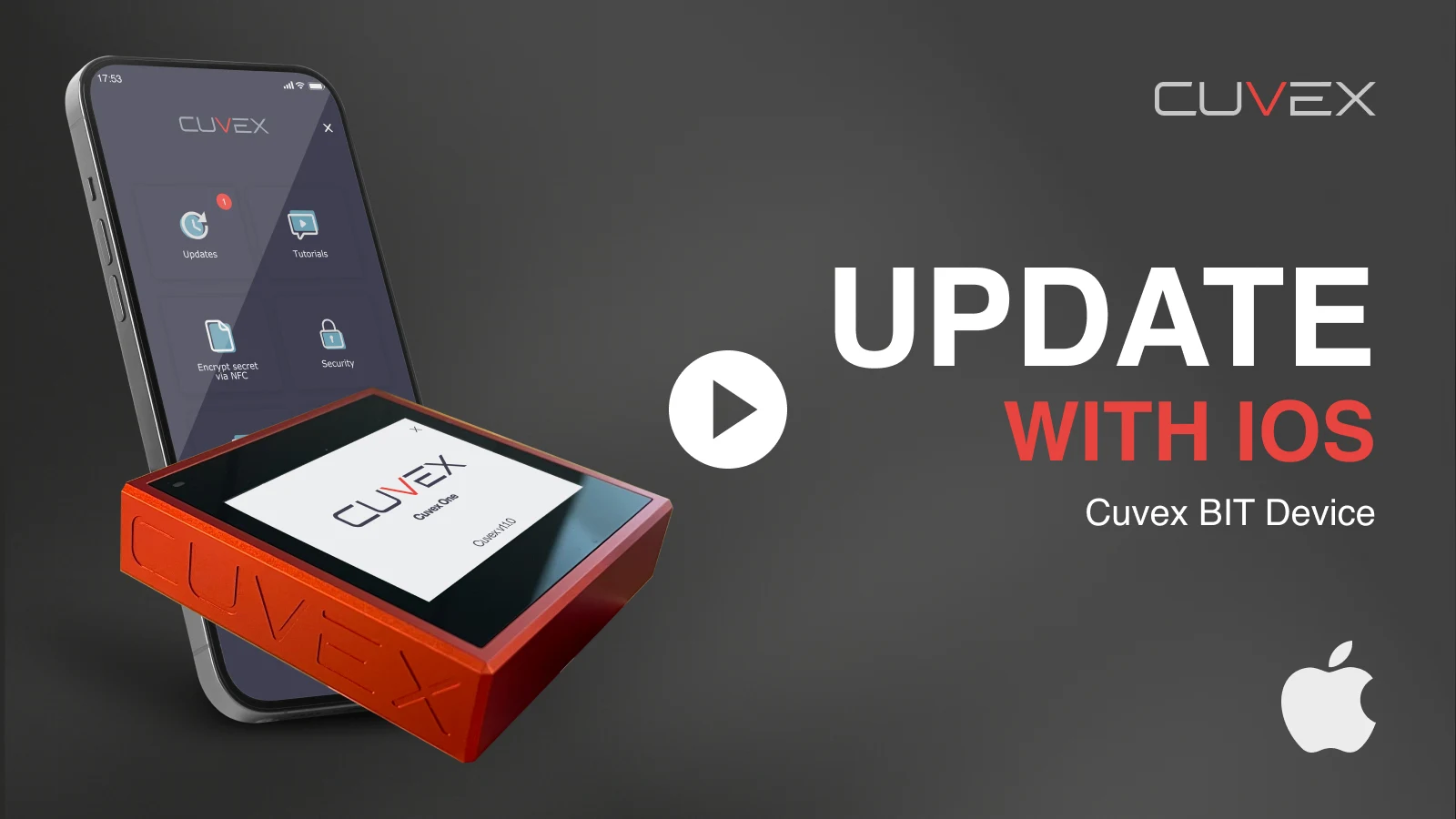 ▶3:08Activate and update Cuvex BIT from iOS ↗
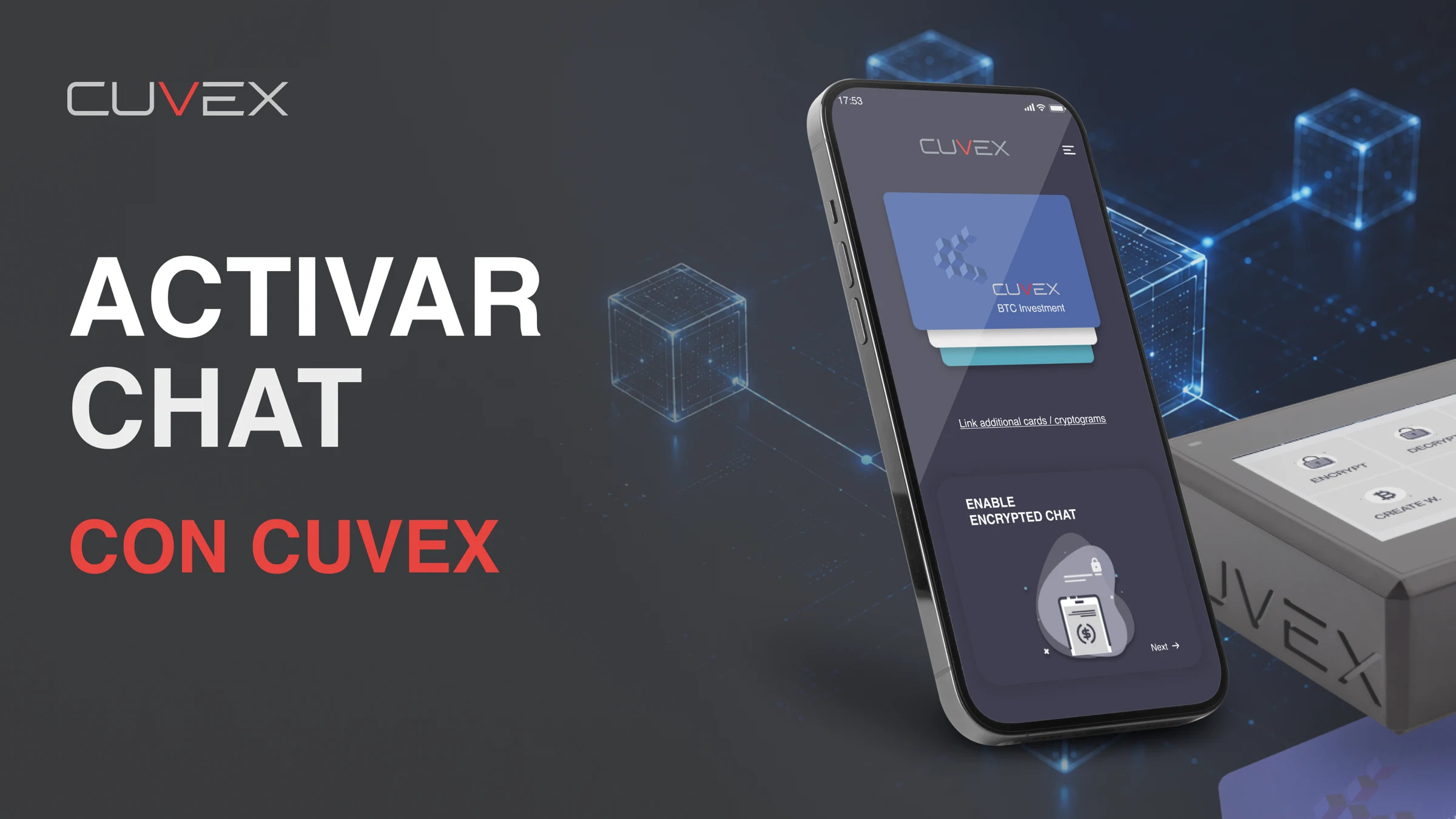 ▶8:45Activate encrypted chat with Cuvex Original ↗
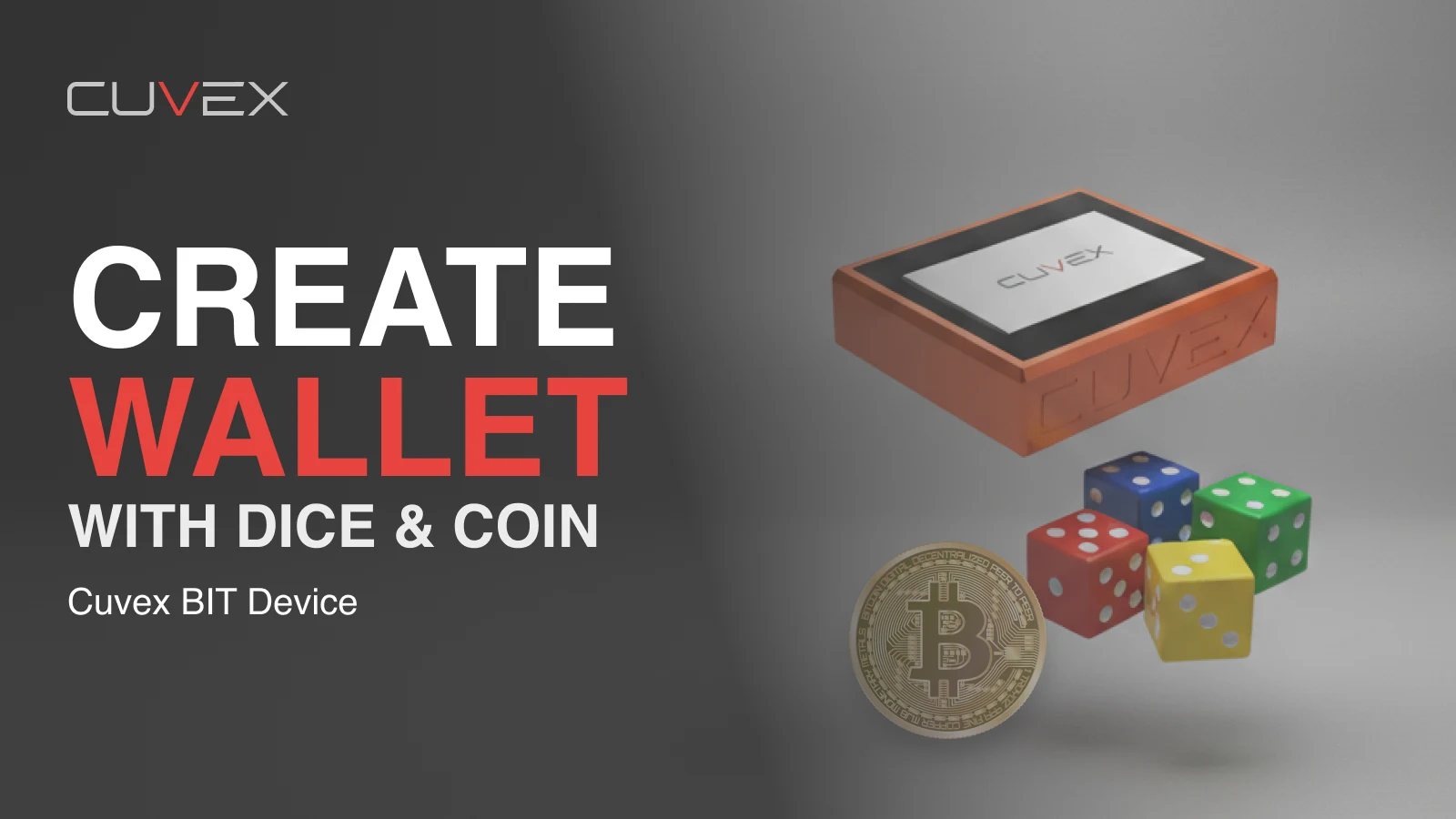 ▶4:25Create a Bitcoin wallet with dice and a coin ↗
 ▶5:08Encrypt a seed phrase or secret with biometrics ↗
 ▶4:02Encrypt a seed phrase or secret without biometrics ↗
 ▶2:35Decrypt a cryptogram with Cuvex BIT ↗
 ▶1:44Create cryptogram backups on NFC or microSD ↗
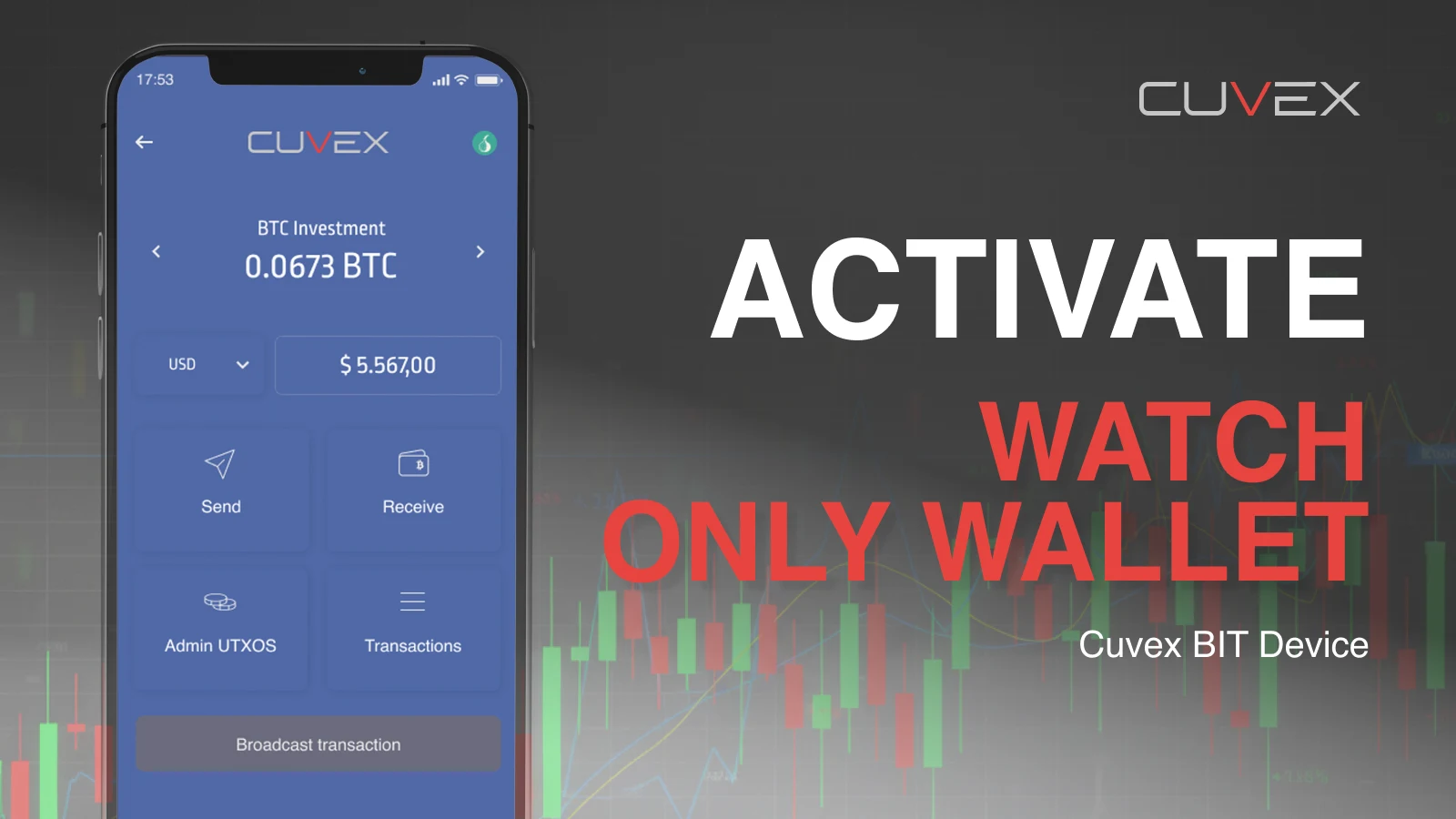 ▶3:18Activate the watch-only wallet in the app ↗
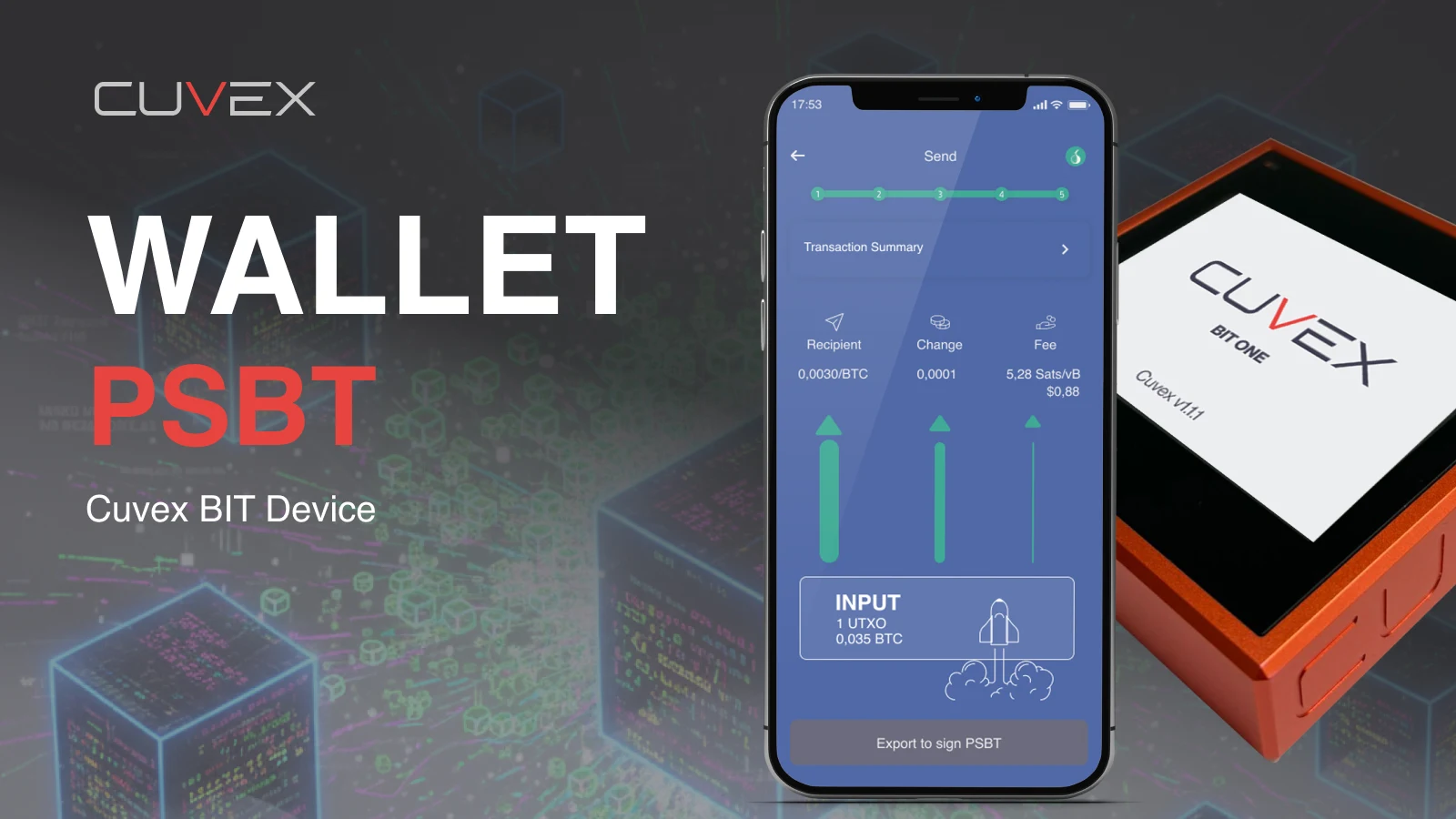 ▶4:56Sign a PSBT transaction with Cuvex BIT ↗
 ▶13:47How to use encrypted chat: contacts, Bitcoin and cryptograms ↗
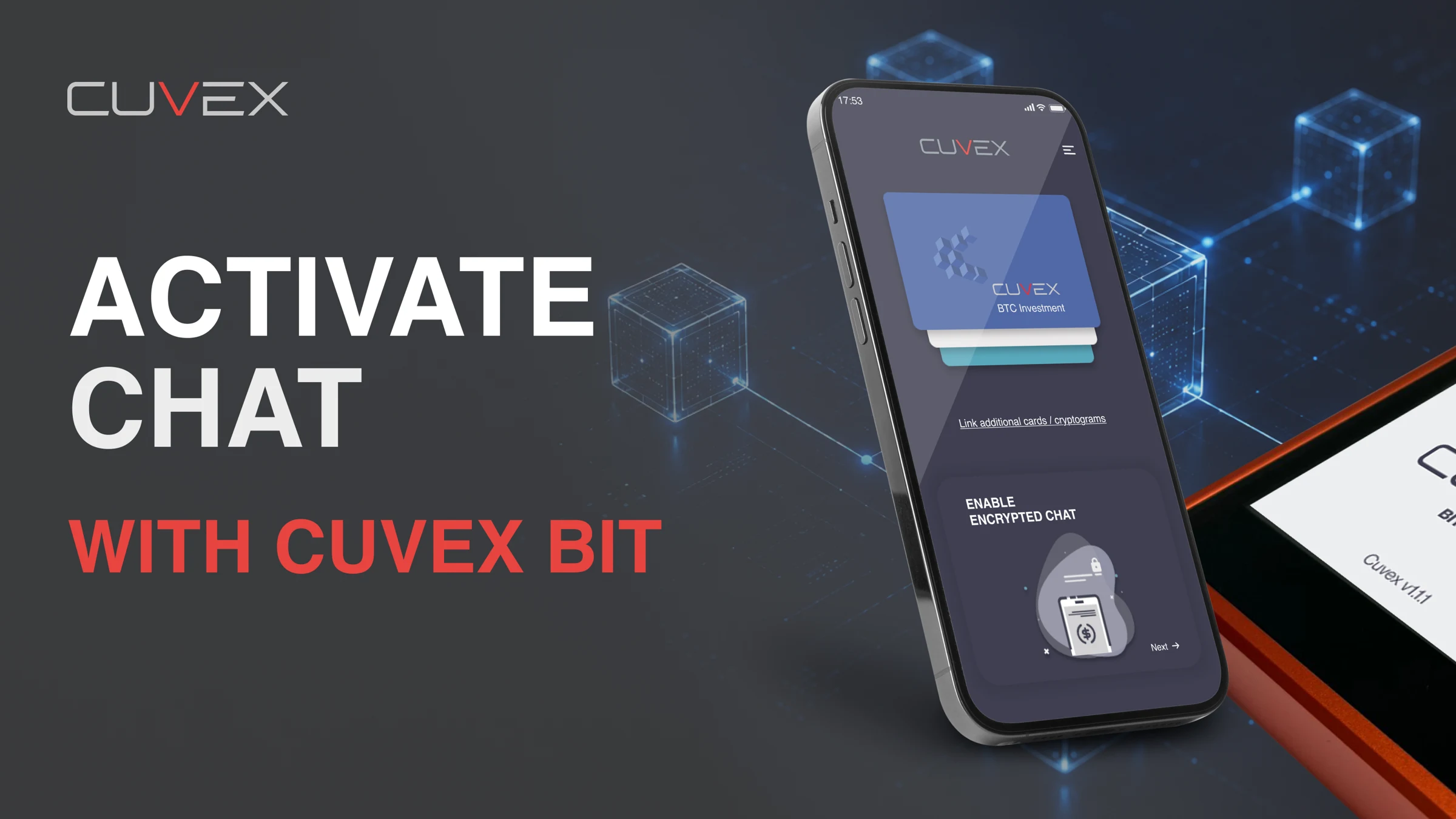 ▶14:13Activate encrypted chat with Cuvex BIT via USB-C ↗
 ▶2:43Unboxing and firmware installation from Android ↗
 ▶2:09Unboxing and firmware installation from iOS ↗
 ▶2:17Create a Bitcoin wallet with dice and a coin ↗
 ▶2:52Encrypt your seed phrase on an NFC card ↗
 ▶2:09Decrypt a seed phrase or secret ↗
 ▶2:04Create backups of your encrypted seed phrase on NFC cards ↗
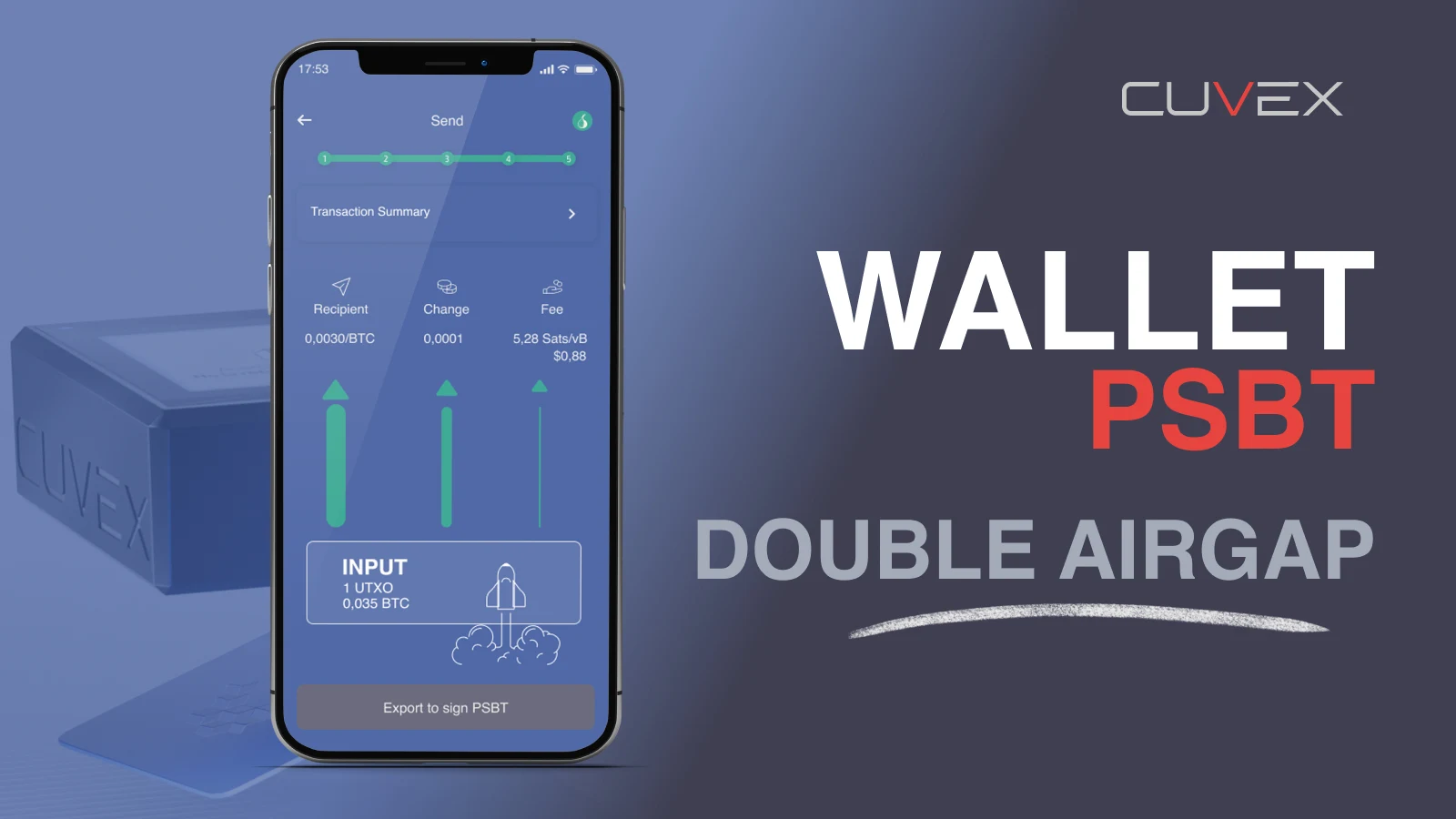 ▶3:30Sign PSBT transactions using NFC and QR ↗
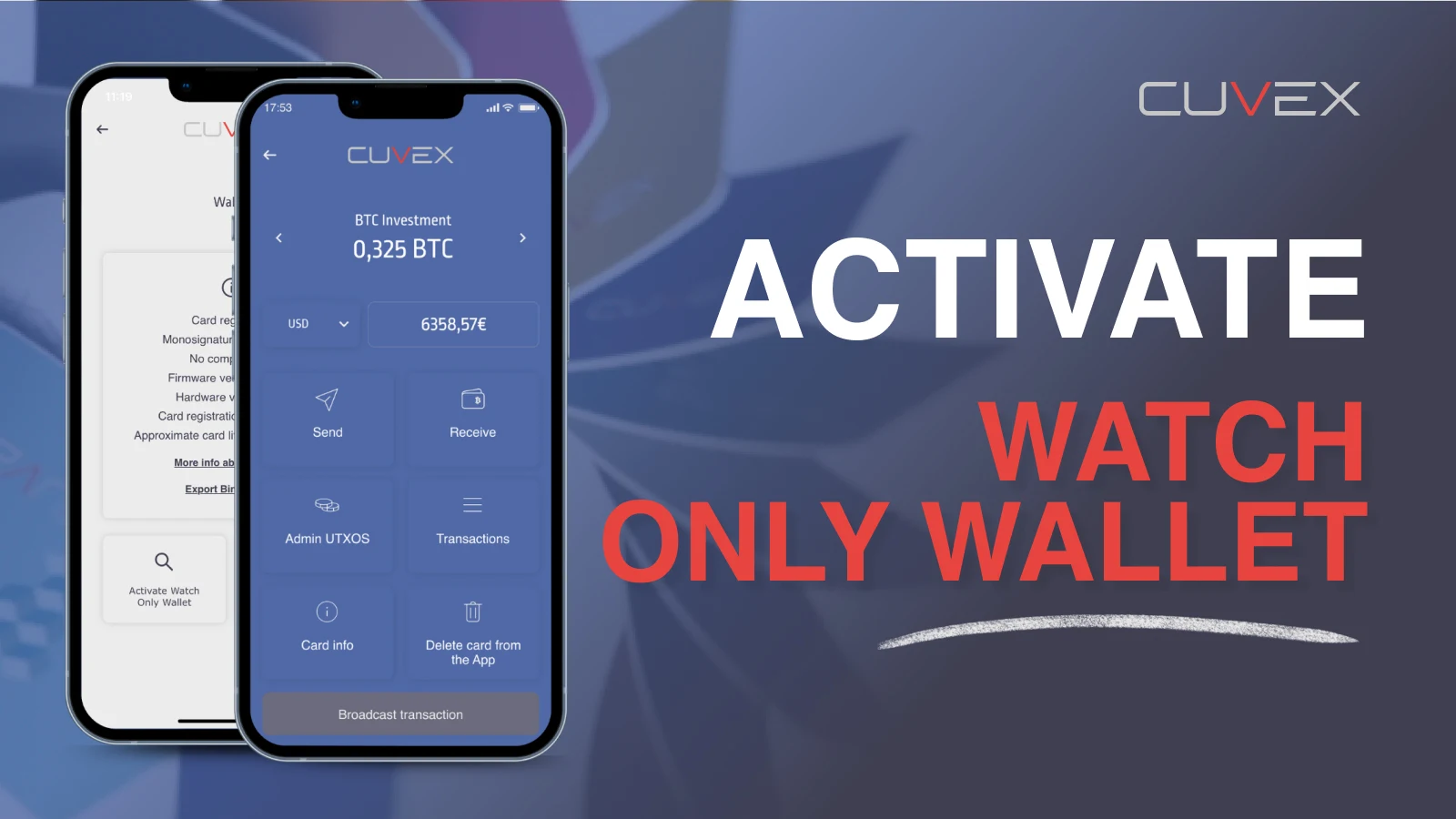 ▶1:47Link your card and activate the watch-only wallet ↗
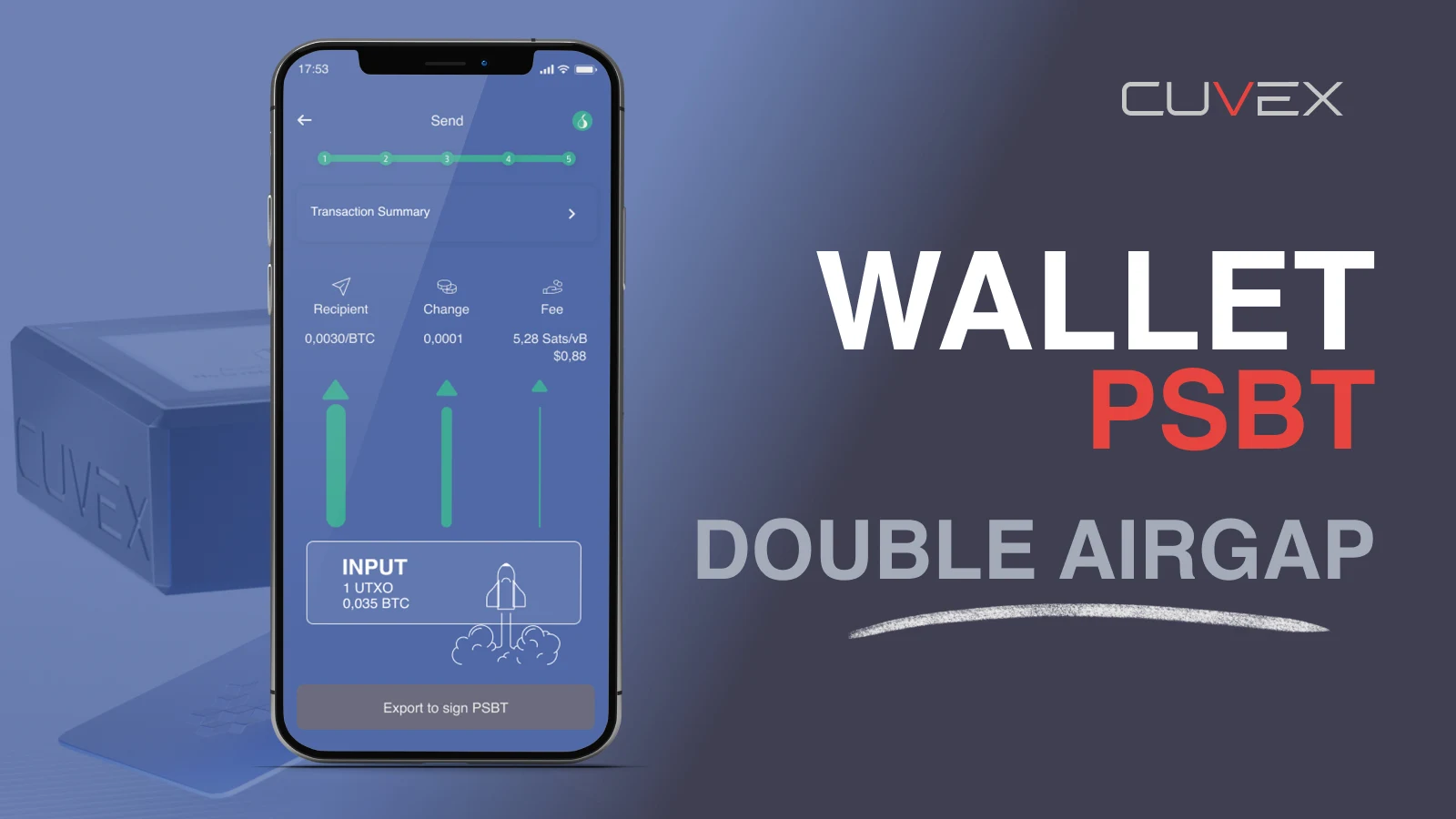 ▶3:30Sign PSBT transactions using NFC and QR — earlier version ↗
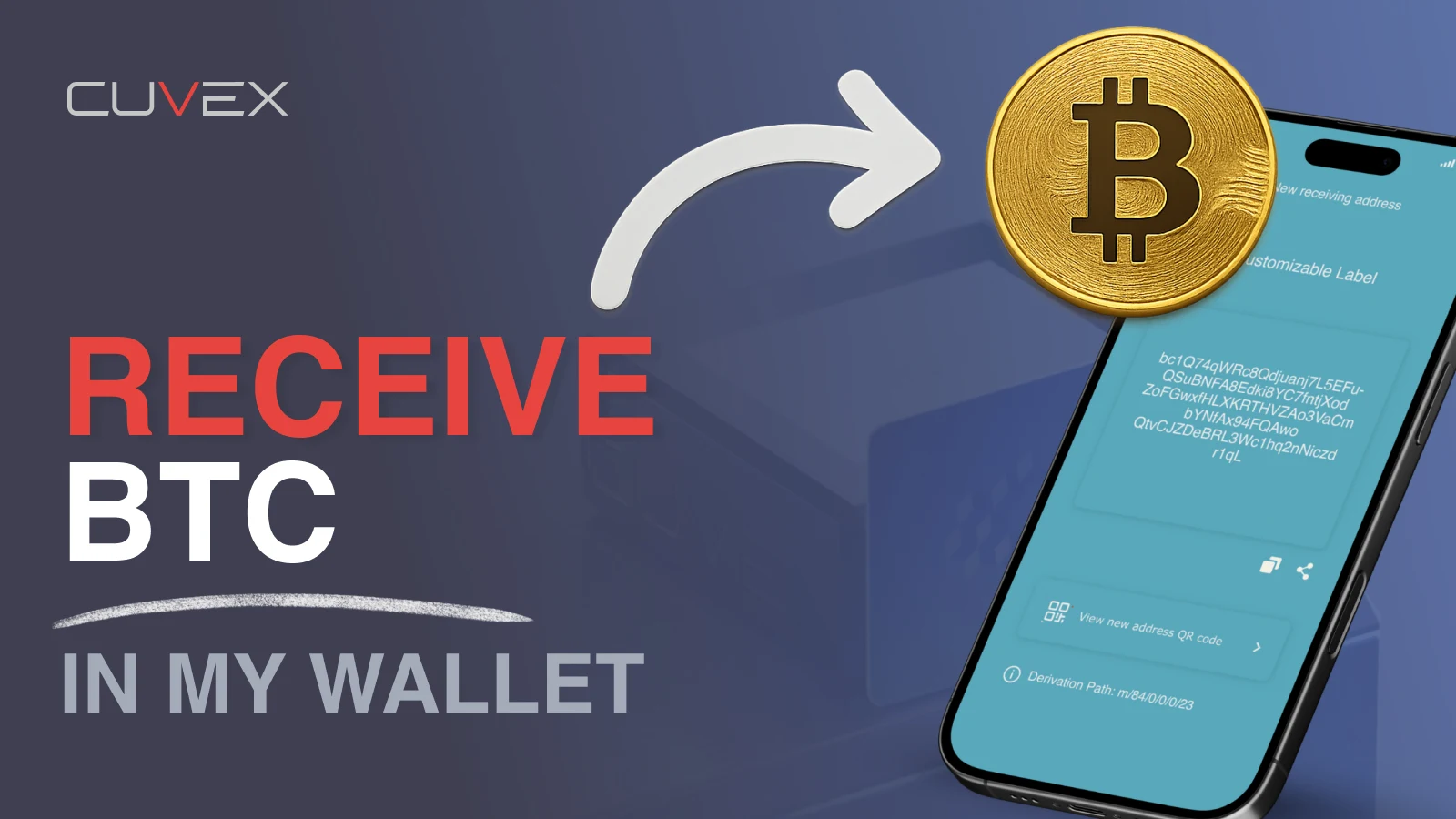 ▶1:01Receive funds in the Cuvex app ↗
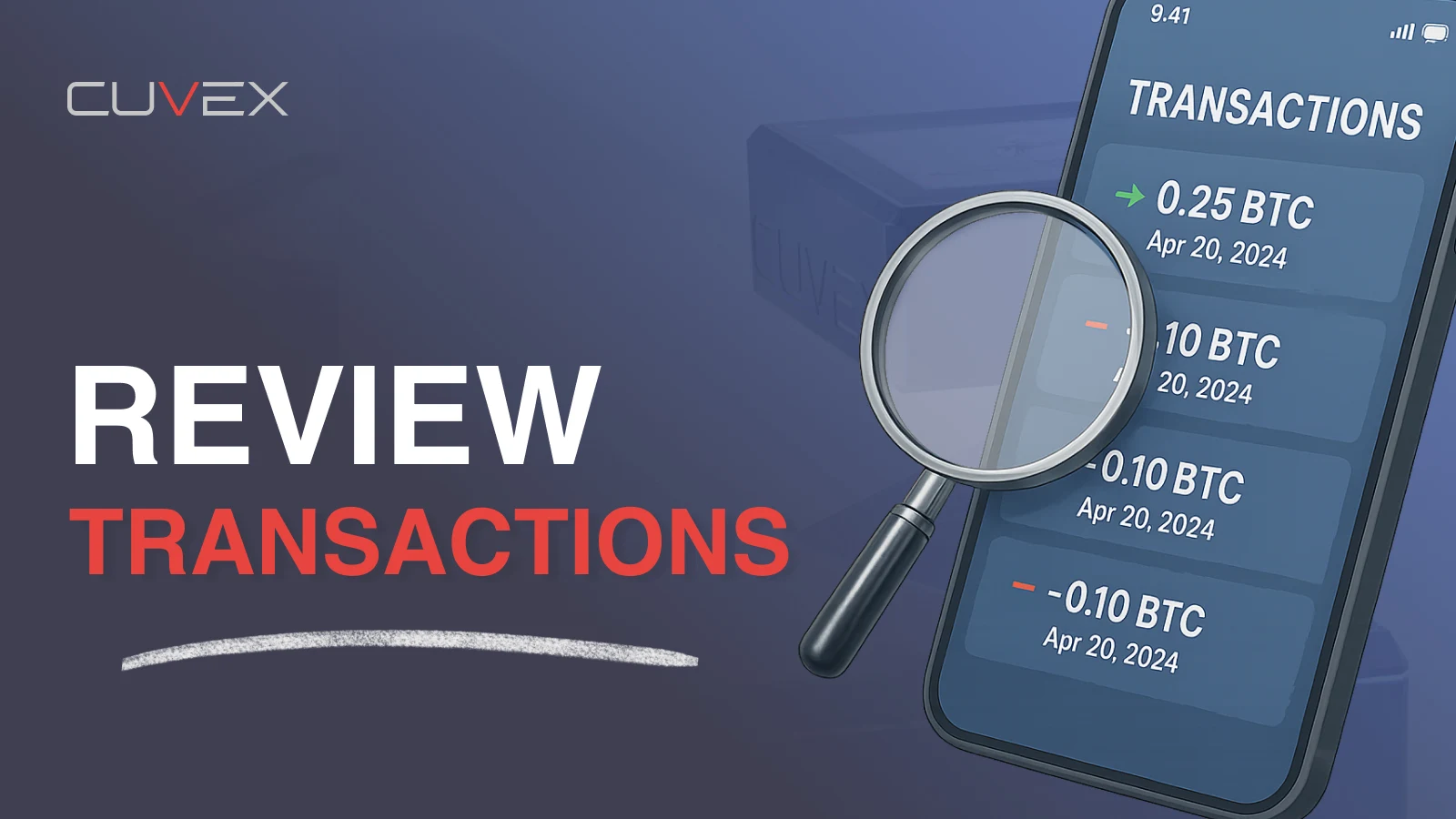 ▶0:45View your transactions in the app ↗
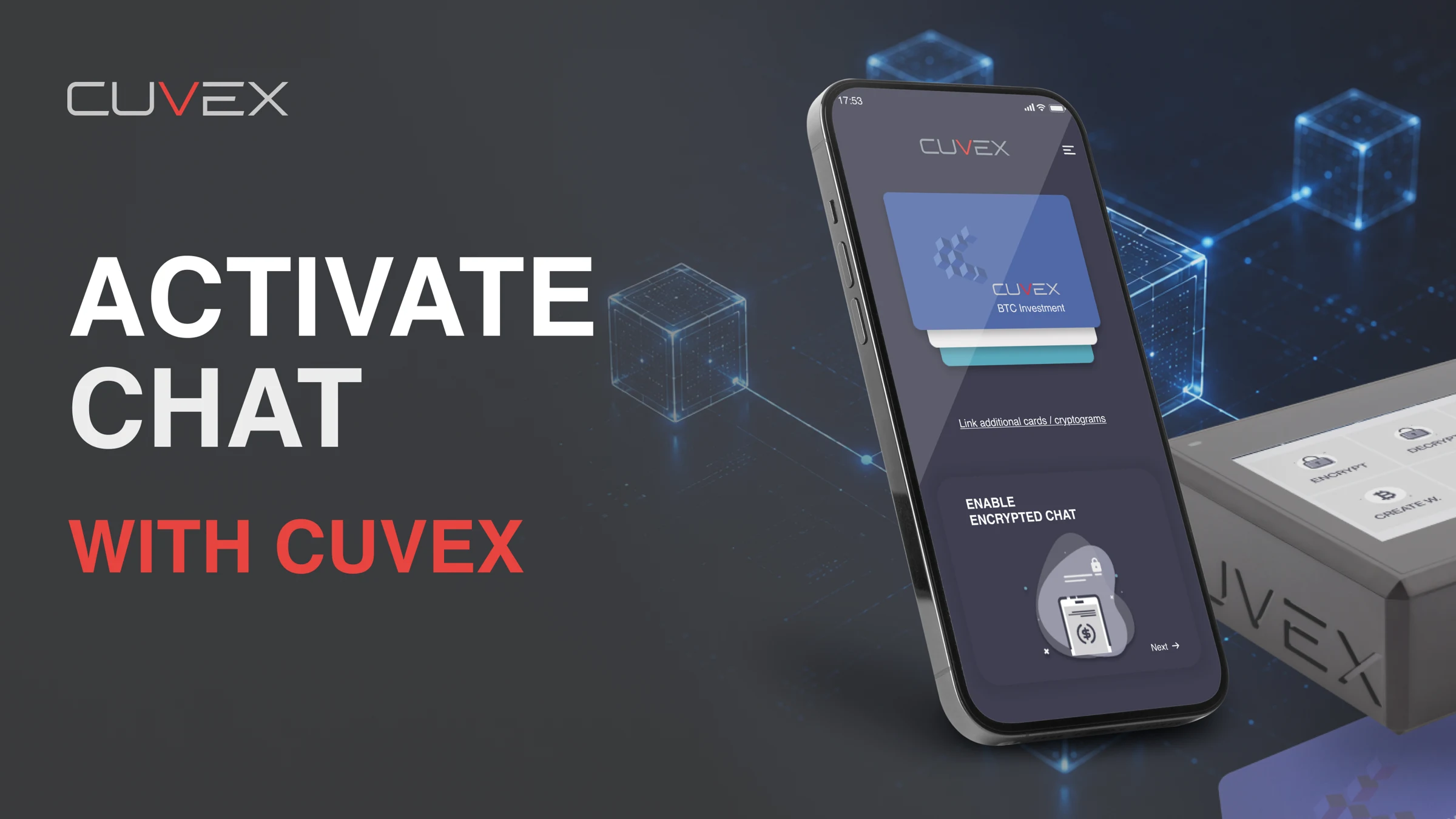 ▶8:45Activate encrypted chat with Cuvex Original ↗
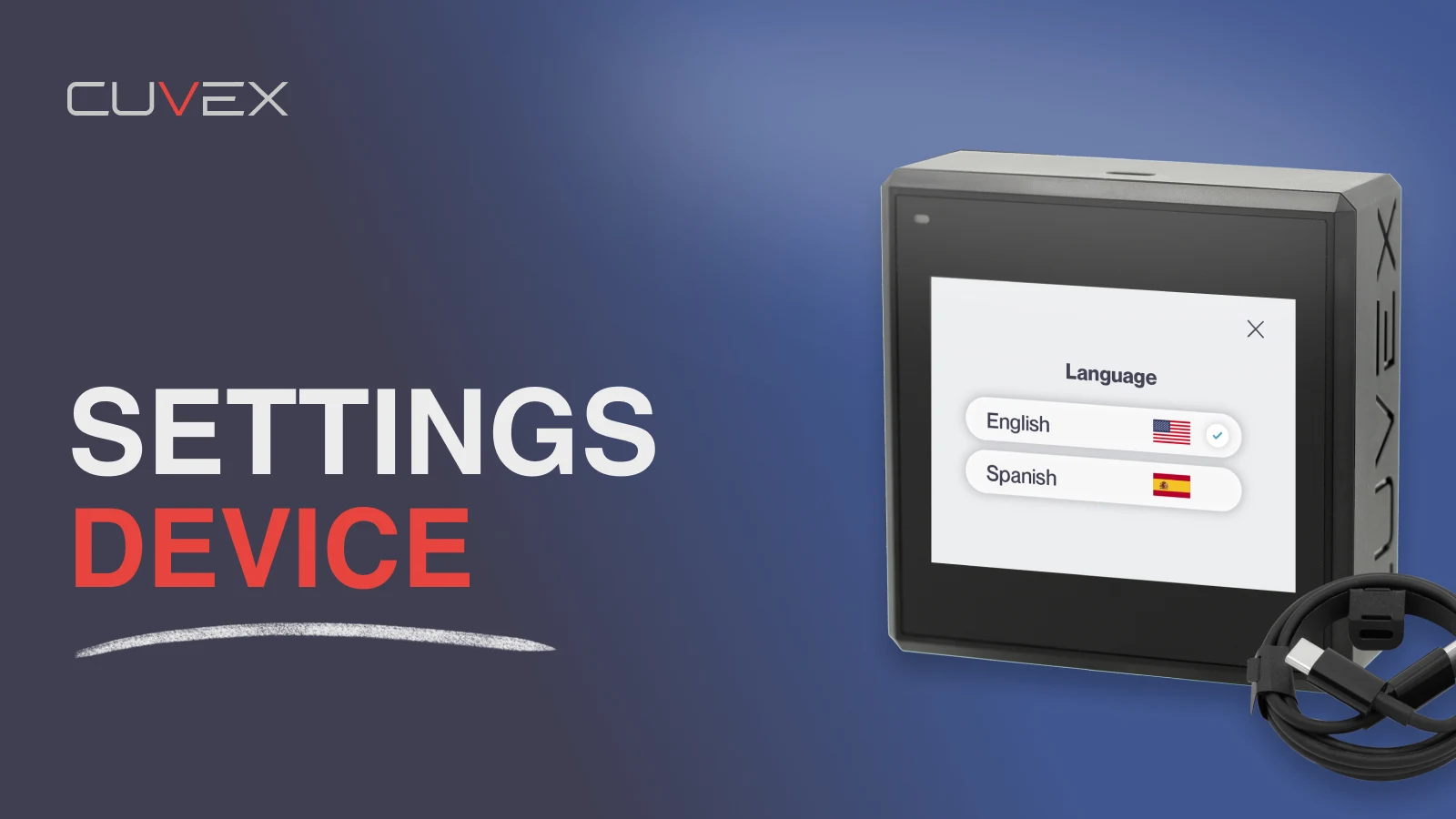 ▶2:18Set up Cuvex Original ↗
No videos match these filters.
Try another language or show all tutorials.
Videos published by Cuvex. They open on YouTube when clicked.
PERSONAL GUIDANCE
Would you rather learn
with someone?
A 60-minute Cuvex Expert session,
in Spanish or English, with your own device.
60MINUTES / ONE TO ONE